
 29 minutes read
Executive-assistant work is a large, established function, not a niche role. In May 2025, executive secretaries and executive administrative assistants accounted for 459,910 jobs, and the median annual wage for secretaries and administrative assistants overall was $48,310.
In a law firm, the duties of the executive assistant go well beyond keeping a partner's calendar neat. The role is most valuable when it protects attorney time, keeps clients informed, tracks matter deadlines, coordinates documents, and creates reliable administrative handoffs, while legal advice, strategy, conflict decisions, and final filing approval stay with licensed attorneys.
That distinction matters because many firms still delegate informally. A partner forwards emails, asks someone to “keep an eye on deadlines,” and hopes the right tasks get done. That approach creates gaps. The assistant doesn't know what they own, the attorney assumes something was handled, and the firm ends up with avoidable delay, duplicated work, or a missed follow-up.
The more practical model is documented delegation. A partner can give an assistant authority over scheduling, inbox triage, client status communication, intake coordination, billing support, file organization, and routine operations. The partner keeps authority over legal judgment, advice, negotiation position, final approval of filings, and any decision that changes client rights or firm risk.
The modern definition of the role supports that broader view. Canada's NOC 2021 definition of executive assistants includes coordinating administrative procedures, analyzing reports, preparing summary briefs, conducting research, meeting with stakeholders on behalf of executives, and liaising across organizations. Law firms should read that as permission to design the role around controlled proxy work, not just clerical support.
A common small-firm scenario makes the point. One partner is trying to answer intake leads, review draft filings, return client calls, prepare for a hearing, and reconcile invoices in the same afternoon. A capable assistant can own the moving parts around that work. The attorney still decides what the law requires. The assistant makes sure the right information, people, deadlines, and reminders are in the right place at the right time.
The ten duties below are organized around the risks that matter most to law firm partners: protecting time, maintaining responsiveness, controlling deadlines, securing confidential information, and making remote support dependable.
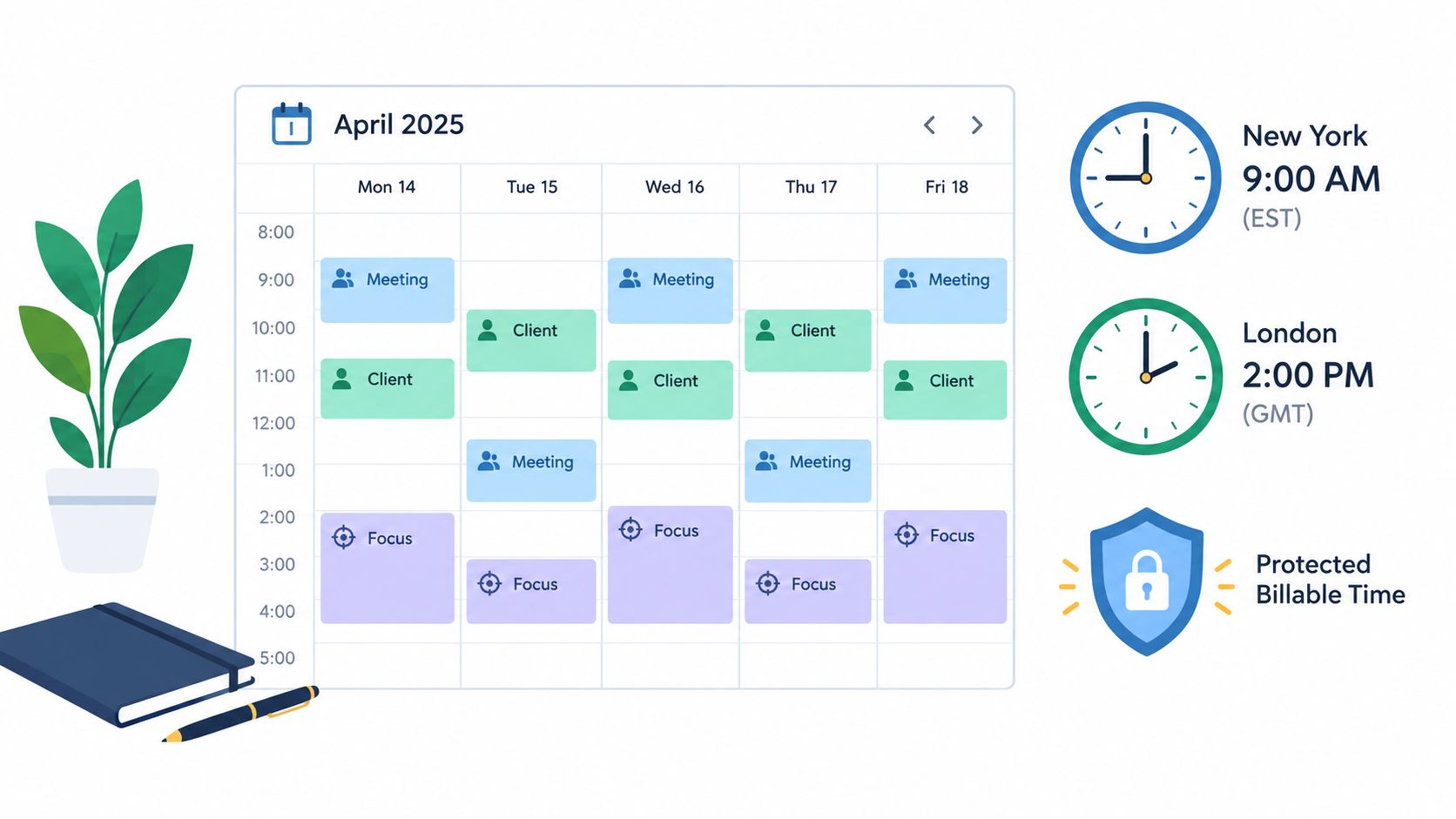
A law partner's calendar is a risk-control system. If it is loosely managed, the firm loses billable time, response times slip, and matter deadlines get harder to defend.
The U.S. Bureau of Labor Statistics includes scheduling, correspondence support, and information handling in its occupational factsheet on executive secretaries and executive administrative assistants. In a law firm, those tasks affect more than convenience. Calendar errors create rushed hearing prep, missed follow-up, thin file notes, and preventable no-shows.
An executive assistant can maintain attorney calendars in Clio, MyCase, Filevine, Outlook, or a connected court-rules workflow; coordinate availability with clients, experts, vendors, and opposing counsel; issue confirmations and reminders; add travel and prep blocks; and protect focused work time for drafting, review, or calls. In practice, that means the assistant owns the scheduling process, the reminders, and the record of changes.
Attorney review still applies where the date itself carries legal or strategic consequences. A lawyer decides whether to accept a deposition window that shortens trial preparation, whether a consultation should be moved ahead of another matter, or whether attendance should be delegated. The assistant presents the options, flags the conflict, and updates the system after the decision.
One boundary should stay clear. Assistants manage deadlines and appointments. Attorneys decide litigation posture, negotiation timing, filing content, and any action that could affect client rights.
The strongest calendar systems use written scheduling rules, not informal habits. Each attorney should define preferred consult windows, minimum prep time before hearings, same-day interruption rules, travel assumptions, and which requests can be accepted without approval. Once those rules are documented, the assistant can apply them consistently instead of asking the same questions every week.
A workable setup usually includes:
Remote support works well here because calendar management is process-heavy and time-sensitive. A remote assistant can catch scheduling drift, confirm attendance, and reroute requests during U.S. business hours. For law firms, the handoff only stays reliable if the assistant has documented authority over logistics, the attorney keeps authority over legal judgment, and every change is recorded in the firm's system rather than buried in email.

Client communication affects risk, not just courtesy. In law firms, delayed replies create bar-complaint exposure, missed-document delays, confused expectations, and unnecessary partner interruptions. A good executive assistant protects attorney time by owning the parts of communication that are administrative, repeatable, and time-sensitive.
The boundary has to be explicit. The assistant can confirm receipt, request missing items, send appointment reminders, relay approved status updates, and document every touchpoint in the matter record. The attorney still answers questions that require legal interpretation, advice, strategy, or an opinion about likely outcomes.
A simple family law workflow shows the division clearly. The client emails saying she has not sent her financial disclosures and wants to know whether that will "hurt the case." The assistant replies with the document checklist, the submission deadline already approved by the attorney, and instructions for secure upload. The legal question is assigned back to the lawyer, with the message tagged for same-day review inside the practice-management system.
That handoff matters.
Firms usually break this process in one of two ways. Some require attorney approval for every outbound message, which slows response times and trains clients to resend the same request. Others let staff answer whatever comes in, which creates unauthorized-practice risk and inconsistent records. Neither model scales well.
A better setup is to classify communications by risk level and build the rule into the workflow:
In practice-management systems such as Clio, Filevine, or MyCase, this works best when each message is tied to the matter, given a status, and routed by rule. For example, incoming emails can create tasks automatically, unanswered client messages can trigger a follow-up queue, and urgent subjects can be assigned a response deadline measured in hours instead of days. Remote support helps here because the work is process-driven and easy to audit, as long as the assistant is working from the firm system rather than a private inbox or text thread.
For bilingual firms, a remote English-Spanish assistant can improve response coverage during intake, document collection, and appointment follow-up. The control point stays the same. The assistant handles access and logistics. The lawyer handles legal meaning.
The test is straightforward. If the communication moves information, closes a loop, or gets the next required item into the file, the assistant can usually own it. If the communication could change the client's legal decision, deadline posture, or understanding of rights, it belongs with the attorney.
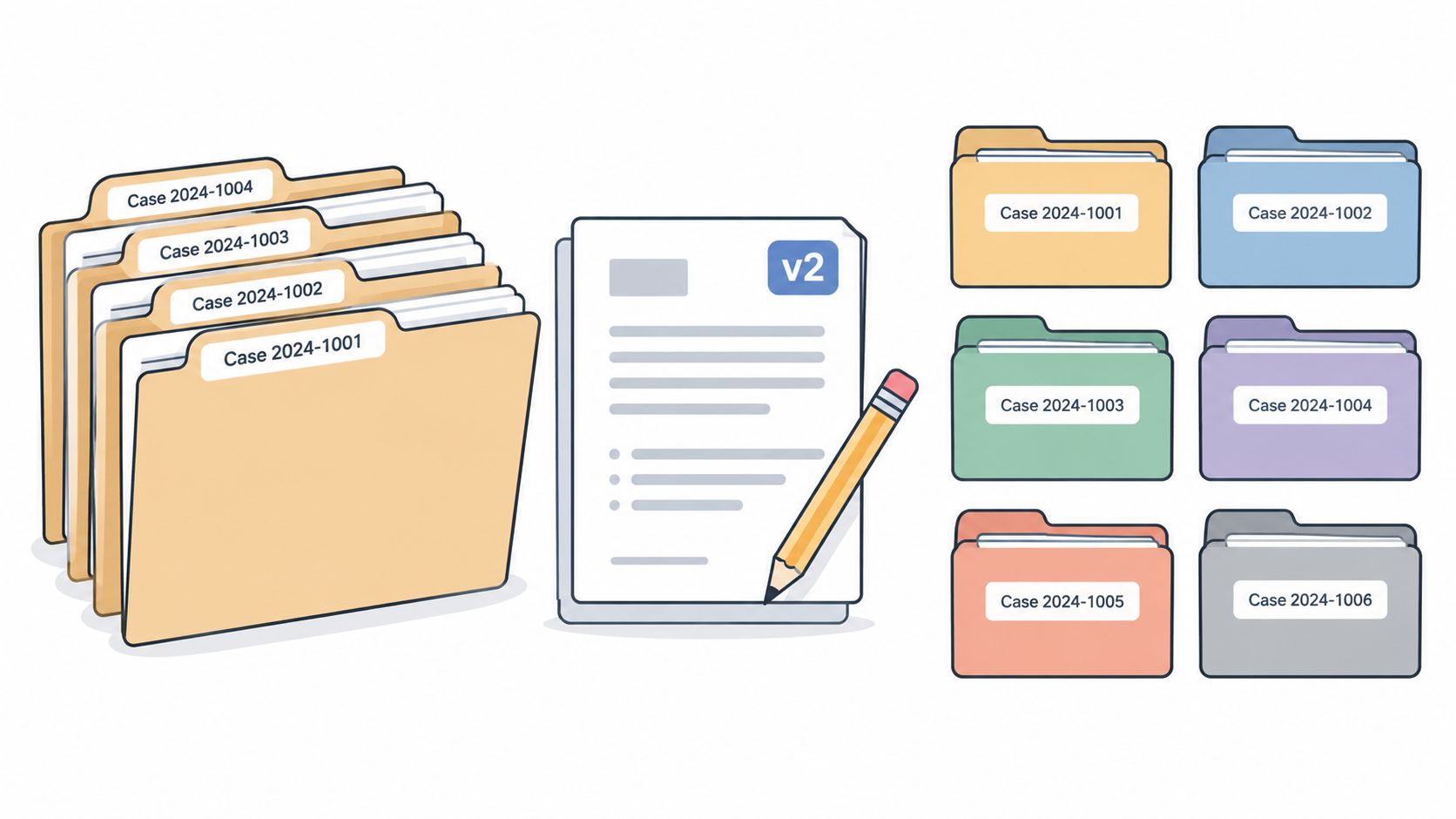
A matter file either protects attorney time or wastes it.
The risk is not just clutter. It is missed exhibits, duplicate drafts, unsigned forms, and attorneys reviewing the same packet twice because no one can tell which version is current. In a busy U.S. law firm, document work needs clear ownership before it needs speed.
Here is the practical boundary.
The assistant owns file assembly and file order. That includes opening the matter workspace, applying naming rules, loading intake documents, preparing routine letters from approved templates, building signature packets, collecting missing attachments, and routing drafts through the right review step.
The attorney owns legal content and legal sufficiency. The lawyer decides what a motion argues, whether a contract reflects the client's position, whether a filing is complete under the applicable rule, and whether a draft can leave the firm.
That division matters most under deadline pressure. If the assistant is guessing about legal meaning, the process has already drifted out of bounds.
A workable setup in Clio, Filevine, MyCase, or a comparable practice-management system usually includes four controls:
A litigation file shows the difference quickly. An assistant can prepare the shell of a motion packet, confirm that declarations and exhibits are present, label attachments, convert documents to court-required PDF format, and queue the package for review. The attorney still reviews the argument, citations, requested relief, and final filing decision.
In an immigration or family-law practice, the same principle applies. The assistant can collect civil records, prior orders, IDs, tax returns, and client forms into a clean folder structure before the lawyer begins legal analysis. That is where remote legal assistants for law firms often help. The work is administrative, repeatable, and easy to audit if the firm uses documented workflows and system-based permissions.
Two questions keep the boundary clear during execution:
If the answer to both is yes, the assistant can usually own the process.
Good case-file organization is visible. A partner should be able to open the matter and see the latest draft, the supporting documents, the missing items, the review status, and the next step in less than a minute. If that takes longer, the file is still under-managed, no matter how hard the assistant is working.
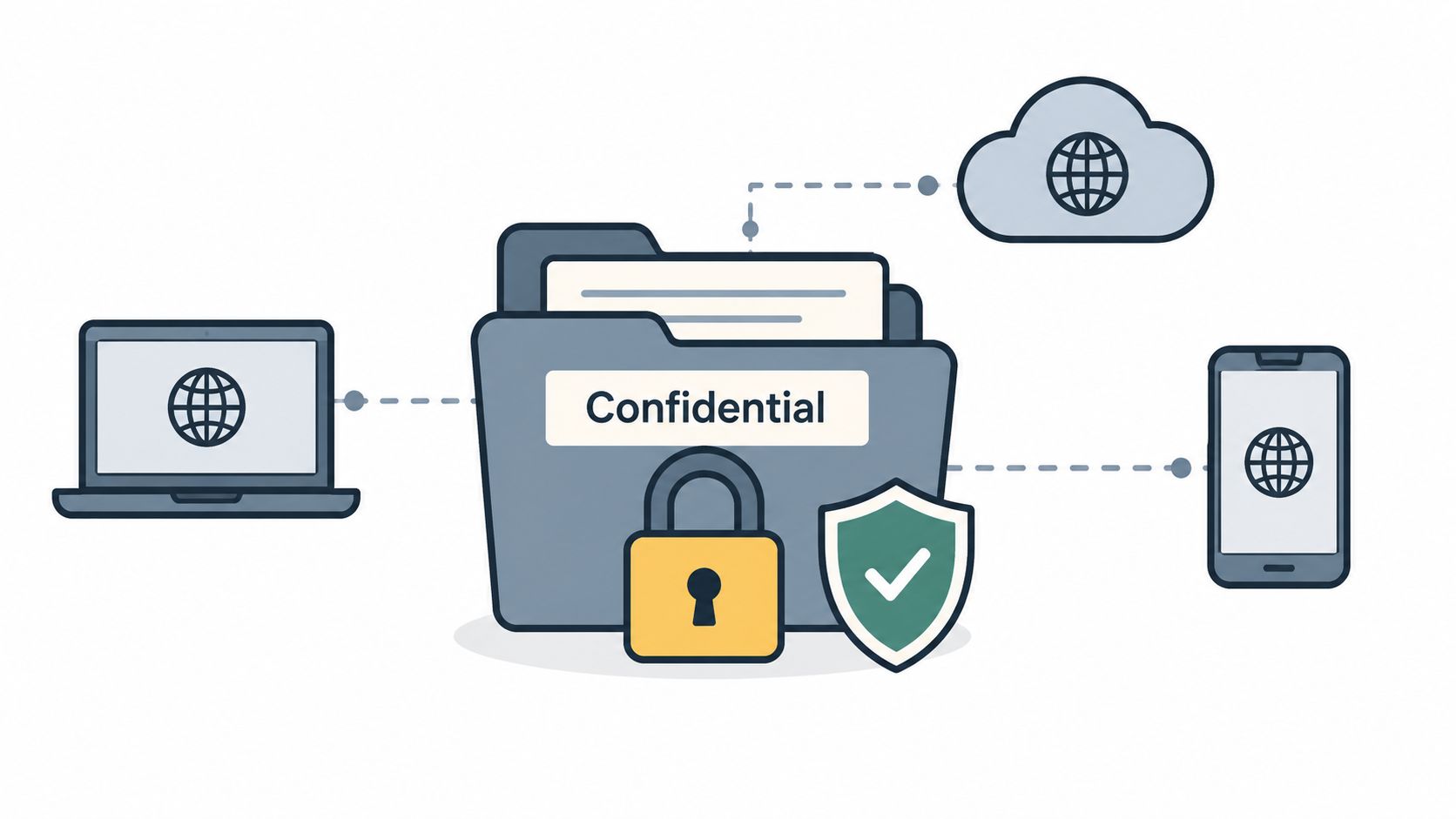
A partner's inbox is often the firm's hidden control panel. If no one owns the first pass, deadlines hide in threads, clients wait too long for simple replies, and attorneys spend billable time sorting messages that should have been classified before they were ever opened.
That is the value of delegated inbox management. It protects attorney attention without handing off legal judgment.
A capable assistant can own the intake side of email operations: checking shared mailboxes, applying matter tags, routing messages into the right workspace, drafting routine administrative responses, and escalating by rule. In Clio Manage, MyCase, PracticePanther, or similar systems, that usually means linking the email or note to the correct matter so the communication record does not stay trapped in one person's mailbox.
The review line needs to stay clear. Attorneys should decide any response that gives legal advice, interprets rights or obligations, discusses settlement authority, addresses a threatened bar complaint or malpractice issue, or could become part of a factual record in a dispute. The assistant can prepare the lane. The lawyer still drives the decision.
One useful way to run this is to treat the inbox like an operations queue, not a conversation stream.
For example, a family-law partner may receive client status questions, GAL communications, court notices, opposing counsel scheduling emails, invoices, intake leads, and document uploads in the same morning. The assistant can sort those messages into action paths: urgent deadline items to attorney review, scheduling and records requests to administrative handling, and client updates into a same-day follow-up queue. What matters is not inbox cleanliness by itself. What matters is whether the right item reached the right person, in the right system, at the right speed.
The firms that do this well document triage rules in plain language. A short decision table usually works better than broad instructions like “flag anything important.”
A workable triage model:
Remote support helps here because coverage can be consistent even when attorneys are in hearings, depositions, or back-to-back consults. The handoff only works if the assistant has written escalation rules, access limited by role, and a required habit of saving material communications to the matter record.
Inbox delegation fails for predictable reasons. No response-time standard. No definition of urgency. No rule for what must be logged to the case-management system. No attorney review trigger for sensitive subjects. Once those controls are set, email becomes far easier to audit and far less likely to create missed follow-ups or invisible risk.
Revenue leaks often start as routine slippage. A lawyer reconstructs time at month-end, a retainer drops below the firm's threshold without notice, or an invoice goes out with vague entries that trigger client pushback. Billing support matters because it protects cash flow, shortens the work-to-invoice cycle, and gives partners a clearer view of where attorney time is going.
This duty is well suited to remote support because much of the work is process-driven. The assistant can monitor missing entries, prepare prebills, check retainer balances, route billing questions, and keep month-end deadlines visible inside Clio, MyCase, or the firm's billing system. The attorney still reviews anything that affects fee judgment, client relations, trust funds, or write-down decisions.
A small immigration practice shows the boundary clearly. The assistant can pull a report of incomplete hourly matters, assemble draft invoices, match narrative descriptions to the work performed, and queue low-retainer files for review. The lawyer decides whether an entry needs revision, whether a charge should be reduced, and whether the invoice format fits the client relationship.
The practical question is not whether an assistant can help with billing. It is whether the firm has defined ownership well enough to avoid rework.
A usable billing workflow usually includes four controls:
These controls keep administrative ownership separate from legal and fiduciary judgment. An assistant can enforce cadence, assemble the record, and make missing information visible. The lawyer remains responsible for fee reasonableness, trust-account decisions, settlement-related disbursements, and any billing choice that could affect client rights or create a dispute.
Contingency practices use the role differently. There, the assistant may spend less time on invoice prep and more time tracking case costs, organizing lien records, maintaining settlement documentation, and preparing disbursement packets for attorney and finance review. The pattern stays the same. The assistant runs the workflow. The lawyer approves the parts that require licensed judgment or financial authority.
A law firm can survive a crowded inbox. It cannot afford an unreliable matter-tracking system.
Missed follow-ups, stale files, and unclear ownership usually start small. A hearing date sits in someone's notebook instead of the case system. Service is completed, but no one updates the status. Discovery goes out, yet the next review date never gets assigned. By the time the lawyer notices, the problem is no longer administrative. It is client-facing and sometimes sanction-worthy.
Matter tracking is one of the clearest delegation wins for an executive assistant because the work is procedural, repeatable, and easy to audit. The assistant can keep the file moving without crossing into legal judgment.
An assistant can own the operating layer of the matter. That includes maintaining task lists, updating stage fields, entering attorney-approved dates, checking for missing documents, preparing weekly status snapshots, and escalating files that have gone quiet beyond the firm's review threshold. In a family law matter, for example, that may mean tracking service, financial disclosures, mediation scheduling, and internal deadlines for draft review. In personal injury, it may mean following treatment-record requests, lien follow-up, demand-package readiness, and statute-related reminders already identified by counsel.
Attorney review stays with the lawyer. The lawyer decides whether a deadline should be extended, whether a filing is ready, whether a case should remain active, and whether a development changes strategy. The assistant records, routes, and prompts. The attorney evaluates and approves.
The handoff has to be explicit. “Track this case” is too vague to protect a firm.
A workable setup inside Clio, MyCase, Filevine, CASEpeer, or Smokeball usually assigns the assistant four specific controls:
That structure matters most in remote support. A remote assistant cannot rely on hallway updates or desk-drop habits. The system has to hold the current stage, next action, owner, due date, and escalation rule. If those fields are current, remote support works well. If attorneys keep the plan in personal notes, the assistant can only track appearances, not the case.
One control separates helpful coordination from risk. Calendar entries and rule-based reminders should come from attorney direction, court notices, or documented firm protocols, not from the assistant's independent interpretation of procedural rules. For deadline-heavy practices, many firms use a two-step process: the assistant enters the date and source reference, then the lawyer or docketing lead reviews the trigger calculation before the deadline becomes final.
Good matter tracking protects three things partners care about. Attorney time stays focused on decisions instead of status chasing. Clients get faster updates because someone is watching for silence. Files move with fewer dropped handoffs between lawyer, assistant, paralegal, and intake or billing staff.
The assistant owns visibility. The lawyer owns judgment. That boundary is what makes the workflow safe and useful.
A confidentiality failure usually starts as an access failure. Someone downloads a record to the wrong device, forwards a file outside the approved system, or answers a suspicious email too quickly. In a law firm, that is not a minor admin mistake. It can trigger client-trust problems, reporting obligations, and expensive cleanup.
The assistant can own the handling discipline around sensitive information. That includes using only approved file-sharing tools, keeping records inside the firm's document or practice-management system, applying naming and folder rules, limiting distribution to the people assigned to the matter, and escalating anything unusual right away. A remote assistant is often well positioned here because the work has to be process-driven. There is no safe version of “I thought this was fine.”
The lawyer still owns judgment calls about disclosure, privilege, waiver, and what can be produced, transmitted, or discussed in a given matter. The assistant should not decide whether a client email can be forwarded to a third party, whether a medical record set is complete enough for release, or whether a document belongs in a production. Those are attorney decisions, even if the assistant prepares the packet and controls the routing.
In practice, the safest firms build this into the system instead of relying on reminders. Access should be role-based. Matter permissions should open only what the assistant needs for assigned work. File transfer should happen through the firm's approved portal, document-management platform, or secured cloud environment, not through personal email, text, or ad hoc downloads. If the firm uses a practice-management system, the implementation question is simple: can the assistant complete the task without leaving the audited workflow? If the answer is no, the process needs work.
For healthcare-adjacent matters, personal injury files, or any practice handling medical records, remote controls should be written down and trained. HHS guidance on remote use of electronic protected health information explains that covered entities should establish policies and procedures for safeguarding e-PHI and train the workforce on those policies. A law firm is not always the regulated healthcare entity, but the operating lesson still applies. Sensitive data needs rule-based handling, documented access, and clear reporting steps.
A simple control set tends to work well:
The trade-off is convenience. Tighter controls add friction. Attorneys may have to approve access changes, assistants may need to wait for permissions, and some shortcuts disappear. That friction is usually cheaper than cleaning up a disclosure mistake.
Remote support works well in firms that define the boundary clearly. The assistant controls secure handling and follows the workflow. The firm controls access design, training, and incident response. The attorney controls legal judgment.
Bad intake wastes partner time twice. First in slow response and disorganized consult prep, then again in consultations spent collecting basic facts instead of assessing the matter.
The assistant can own the intake pipeline from first contact through a consult-ready file. That usually includes logging the lead in the firm's CRM or practice-management system, sending the correct intake form, collecting preliminary documents, chasing missing details, entering names for conflict-check review, scheduling the consultation, and preparing a short summary for the attorney. In Clio Grow, Lawmatics, MyCase, or a similar system, those steps can be built as a staged workflow with status tags, task triggers, and reminders so no inquiry sits unanswered.
A focused role often works better than a broad generalist if the firm's main bottleneck is consult conversion or response time. In that case, remote intake specialists for law firms can be assigned clear ownership over response windows, form completion, and handoff quality.
What matters is the boundary. The assistant gathers facts, keeps the prospect moving, and makes sure the attorney receives a usable file. The attorney decides whether to accept, decline, refer out, or request more review. That decision stays with the lawyer because it depends on legal judgment, risk tolerance, and conflict analysis.
A practical intake workflow usually breaks into four control points:
This duty gets risky fast if the script is loose. An assistant can ask whether a contract was signed, when an injury occurred, or which county a case belongs in. The assistant cannot tell a prospect they have a strong claim, predict custody results, explain likely immigration eligibility, or suggest what legal strategy the firm will use. That is the line between intake support and legal advice.
For bilingual firms, intake support can improve accuracy as much as speed. A prospect often explains facts more clearly in the language they use at home. The assistant can capture that information cleanly and route it for attorney review, while the lawyer remains responsible for legal interpretation and advice.
The trade-off is consistency versus flexibility. A rigid intake form creates cleaner data and easier reporting, but it can miss nuance in fact-heavy matters. A looser process captures more context, but it increases training demands and creates uneven handoffs. Firms usually do best with practice-specific templates, required fields for conflict inputs, and a short free-text section for anything the form did not catch.
Partners lose expensive time on a predictable class of failures. A malpractice renewal gets missed. A software license lapses the week staff needs access. A records vendor keeps charging after the contract should have been reviewed. This duty exists to prevent those avoidable interruptions.
The assistant's role here is narrower, and more operational, than the scheduling and matter-tracking work covered earlier. The focus is firm infrastructure that supports legal work but does not belong inside a client matter workflow.
A well-scoped assistant can own the control system around recurring obligations: maintaining a renewal register, confirming notice periods, collecting updated certificates or invoices, routing contract changes for review, and documenting who must approve what by when. In many firms, that work sits nowhere until a deadline is close. Then it lands on a partner.
If that pattern is costing attorney time, firms often add remote administrative assistants for law firms to build and maintain these controls.
Attorney or leadership review is still required for budget approval, contract terms, policy changes, vendor selection, and any decision that affects legal strategy, trust accounting, confidentiality obligations, or employment matters. The assistant can prepare the file, summarize deadlines, and flag risk. The partner or operations lead makes the call.
A workable setup usually includes four simple controls:
The trade-off is control versus overhead. A detailed register takes discipline to maintain, but it prevents the much higher cost of partner interruption, rushed approvals, and expired coverage or access. For solo and small firms, this is often the first operations layer that makes delegation hold.
This duty is not relevant in every law practice, but where it applies, it can remove a surprising amount of administrative drag. Personal injury firms, healthcare-adjacent matters, and practices dealing with treatment records or coverage questions often spend too much attorney time chasing information that should be organized before the lawyer needs it.
Recent coverage reports that AI use among administrative professionals jumped from 26% in 2024 to 76.9% by 2026, and some 2026 guidance says AI tool orchestration already consumes about 15% of EA time in AI-forward companies, according to Founder & Force Multiplier's discussion of the more strategic EA role. For law firms, the practical point isn't the novelty of AI. It's that repetitive insurance and records workflows are increasingly structured enough for assistants to manage with templated review and careful oversight.
An assistant can request insurance details, prepare administrative portions of authorization packets, follow up on pending requests, log carrier responses, organize supporting records, and update the matter file so the attorney has a current coverage picture. In a PI firm, that may support treatment coordination and lien or records workflows even when the assistant never makes a legal representation to the client.
What requires attorney review is any interpretation of coverage, advice about rights, settlement impact, or dispute strategy. The assistant can report what the insurer said. The attorney decides what it means legally.
This duty works best when it is treated as records-and-follow-up work, not substantive claims handling. The assistant should use carrier checklists, template correspondence, and standardized logging fields in the case-management system. If a carrier response is ambiguous or adverse, the file should be escalated immediately.
The HIPAA Security Rule requires regulated entities to train all workforce members on security policies and procedures, and NIST's HIPAA implementation guidance states that the Security Rule requires a security awareness and training program for all members of the workforce, including management. For firms handling medical records in any environment where those standards apply, that means this support role cannot be improvised. Access, training, and supervision need to be documented.
| Service | Implementation Complexity | Resource Requirements | Expected Outcomes | Ideal Use Cases | Key Advantages | Key Limitations |
|---|---|---|---|---|---|---|
| Calendar and Schedule Management | Low–Medium, requires workflow rules and preference mapping | Calendar integrations (Clio/MyCase/Filevine), time-zone aware remote assistant | Fewer double-bookings; protected billable blocks; improved responsiveness | Multi-attorney firms; practices with heavy client meetings | Protects billable time; reduces missed appointments; consistent scheduling | Needs detailed attorney preferences; time-zone risk; multiple calendaring systems |
| Client Communication and Follow-Up | Medium, needs templates and escalation protocols | Communication templates, bilingual staff (optional), CMS logging | Higher client satisfaction; reduced attorney email volume | Family law, immigration, high-touch client matters | Proactive updates; bilingual capacity; documented trails | Requires clear boundaries; risk of revealing privileged info; loss of informal cues |
| Document Preparation & Case-File Organization | Medium–High, templates, naming conventions, QC steps | Document templates, version control, practice-management access | Faster filings; fewer deadline errors; easier retrieval | Document-heavy practices (litigation, immigration) | Reduces attorney prep time; lowers malpractice risk; scalable workflows | Needs ongoing review; familiarity with court rules; remote oversight required |
| Inbox and Email Management | Low–Medium, urgent criteria and batching rules | Email rules, escalation channels, assistant training | Reduced interruptions; faster urgent-response times | High-volume solo or small-firm attorneys | Protects focus time; improves response consistency | Requires strict "urgent" definitions; risk of mis-prioritization |
| Billing Administration & Time-Tracking Support | Medium, policies and reporting dashboards | Billing system (Clio), accounting liaison, reporting tools | Improved time capture; faster invoicing; better cash flow | Firms needing improved collections and time capture | Increases billable capture; reduces DSO; fewer billing errors | Attorney resistance to reminders; nuanced billing decisions needed |
| Matter and Case Tracking | Medium–High, case templates, deadline automation | Case-management system, procedural guides, checklists | Fewer missed deadlines; clearer case status visibility | Civil litigation, high-volume case loads | Prevents malpractice; improves case handoffs; operational visibility | Depends on data quality; requires local-rule knowledge |
| Confidential Information Management & Data Security | High, security policies, training, technical controls | VPN, MFA, role-based access, NDAs, encrypted storage | Lower breach risk; regulatory compliance; client trust | Any firm handling PHI or sensitive client data | Protects privilege; reduces liability; documented controls | Remote device/network risks; ongoing oversight and training |
| Intake Coordination & Lead Management | Low–Medium, intake scripts, conflict checks, scheduling | Scheduling tools (Calendly), intake forms, CMS setup | Faster conversion; prepared consultations; organized lead flow | High-intake practices (personal injury, immigration) | Improves conversion; standardizes intake; saves attorney time | Needs clear intake criteria; risk of screening out viable leads |
| Administrative Coordination & Operations Support | Medium, broad SOPs and vendor mapping | Vendor lists, operations calendar, IT ticketing process | Smoother firm operations; reduced admin burden on partners | Small to mid firms lacking on-site office manager | Frees managing partner time; consistent operations | Long ramp-up; remote coordination challenges; prioritization limits |
| Prior-Authorization & Insurance-Verification Support | Medium, carrier-specific procedures and tracking | Carrier contacts, authorization templates, tracking system | Faster authorizations; fewer coverage surprises; clearer fee estimates | Personal injury and healthcare-related matters | Reduces attorney admin; improves client experience | Carrier delays and inconsistency; requires insurance knowledge |
The duties of the executive assistant create the most value in a law firm when they are built as controlled systems around attorney work. That means delegating workflows, not legal judgment. A strong assistant can own calendar control, client follow-up, inbox triage, file organization, billing prep, matter tracking, intake coordination, security routines, and back-office operations. The attorney should keep responsibility for legal advice, strategy, conflict decisions, settlement authority, substantive drafting choices, and final approval of filings or communications that affect client rights.
The practical sequence is simple. First, document where partner time is leaking: calendar interruptions, unreturned messages, missing intake information, billing lag, file disorder, or deadline confusion. Next, define what the assistant can act on independently, what requires attorney approval, and what must stay exclusively with licensed professionals. Then grant least-necessary access inside Clio, MyCase, Filevine, CASEpeer, Smokeball, Outlook, and related tools so the assistant can do the job without carrying unnecessary risk.
A responsibility matrix usually clarifies delegation faster than more meetings do. In most firms, the assistant can own scheduling, reminders, document assembly, intake prep, status updates, and administrative follow-through. The assistant can prepare billing drafts, maintain case checklists, and route sensitive issues. The attorney approves legal content, strategic calls, final filings, settlement decisions, and any communication that interprets legal consequences. Work that requires a license should remain with licensed professionals, even when an assistant gathered the facts or prepared the packet that supports the decision.
Remote support works especially well when the handoffs are explicit. The firms that struggle are usually not struggling because the assistant is remote. They're struggling because ownership, escalation, and system use were never defined. If your firm wants help that overlaps with U.S. working hours, supports English-Spanish communication, and fits established legal software workflows, a vetted staffing option such as Virtual Legal Assistants may be worth evaluating. The right test is practical: can this person protect time, keep files moving, and improve responsiveness without blurring the line between administrative execution and attorney judgment?
If your firm needs help with the duties of the executive assistant, Virtual Legal Assistants connects U.S. law firms with bilingual legal support professionals based in Latin America for roles like intake, scheduling, inbox management, billing support, and matter coordination. You can assess fit by workflow, schedule overlap, and software experience before hiring, which makes it easier to build reliable delegation without handing off attorney-only work.